

Making your CV ATS friendly is not about passing a robot. It is about ranking high enough in the employer's system to reach a human. Most guides on this topic give you the same checklist: use one column, remove tables, add keywords. That advice is correct. It is also incomplete, because the formatting fixes are the easier half. The harder half, the one most job seekers skip, is understanding how your CV is being scored against a specific role and what your score needs to be before any recruiter opens your application. This article covers both halves, in order of impact, with specific focus on what is different for experienced professionals whose CVs consistently underperform their actual qualifications.
The two things most people want to know when they land on this page: what is wrong with their current CV, and what to fix first. The answer to both depends on which type of failure your CV has, a formatting failure, a keyword gap, or both, and that can only be confirmed by testing against the specific role you are applying for.
Why ATS Friendly Is Not a Single Fixed Standard
The first thing to understand about making your CV ATS friendly is that there is no single ATS standard. What the NHS's Trac system requires from a CV differs from what Workday requires, which differs from what Greenhouse requires. Smaller UK employers often rely on the ATS features built into job boards such as Indeed, Reed, Totaljobs, and LinkedIn Jobs rather than running a dedicated ATS internally. Each platform parses documents differently, weights keywords differently, and has different known failure points. A CV that passes cleanly through Greenhouse may be scrambled by SAP SuccessFactors if it uses a two-column layout or content placed in the document header.
Research by SSR found that 70 percent of enterprise-size UK businesses use ATS software to screen CVs. The CIPD Resourcing and Talent Planning Report 2024, based on a survey of over 1,000 HR and people professionals, found that 78 percent of organisations had increased their use of technology in recruitment, with nearly a third using some form of AI or machine learning, a significant rise from 16 percent in 2022. The implication for job seekers is straightforward: ATS is not going away, adoption is accelerating, and the only productive response is to understand how it works rather than hoping to avoid it.
What ATS friendly actually means in practice is that your CV needs to satisfy two distinct requirements simultaneously. The first is structural: the system must be able to parse your document correctly and extract your experience, skills, and qualifications into the right fields. The second is relevance: once parsed, your CV must score well enough against the specific job description to rank above the employer's shortlisting threshold. Most guides address the first requirement adequately. Almost none address the second with any specificity. Both matter, and they are fixed in a different order.
Fix Formatting Failures First: The Errors That Make Your CV Invisible
Formatting failures are upstream of everything else. A CV that cannot be parsed correctly will not rank well regardless of how strong the content is. These are the structural errors to fix before anything else, listed in order of how frequently they cause problems.
Multi-column layouts are the most common cause of CV parsing failures across Workday, SAP SuccessFactors, Oleeo, and Eploy. Every major UK ATS reads document text in a linear sequence from top to bottom. A two-column layout does not register as two separate columns: the parser reads across the full page width simultaneously, merging content from the left and right columns into a single garbled line of text. A job title in the left column and employment dates in the right column get scrambled together. The recruiter's profile view of your application shows incoherent text rather than structured work history.
Content in Word headers and footers is the second most common failure. Many professionals place their name and contact details in the document header because it looks clean and positions that information at the top of every page. Most ATS parsers do not extract content from the header or footer sections of a Word document. Contact information placed there is frequently not captured at all. Your name, phone number, and email address belong in the body of the document, at the top of page one, in plain paragraph text.
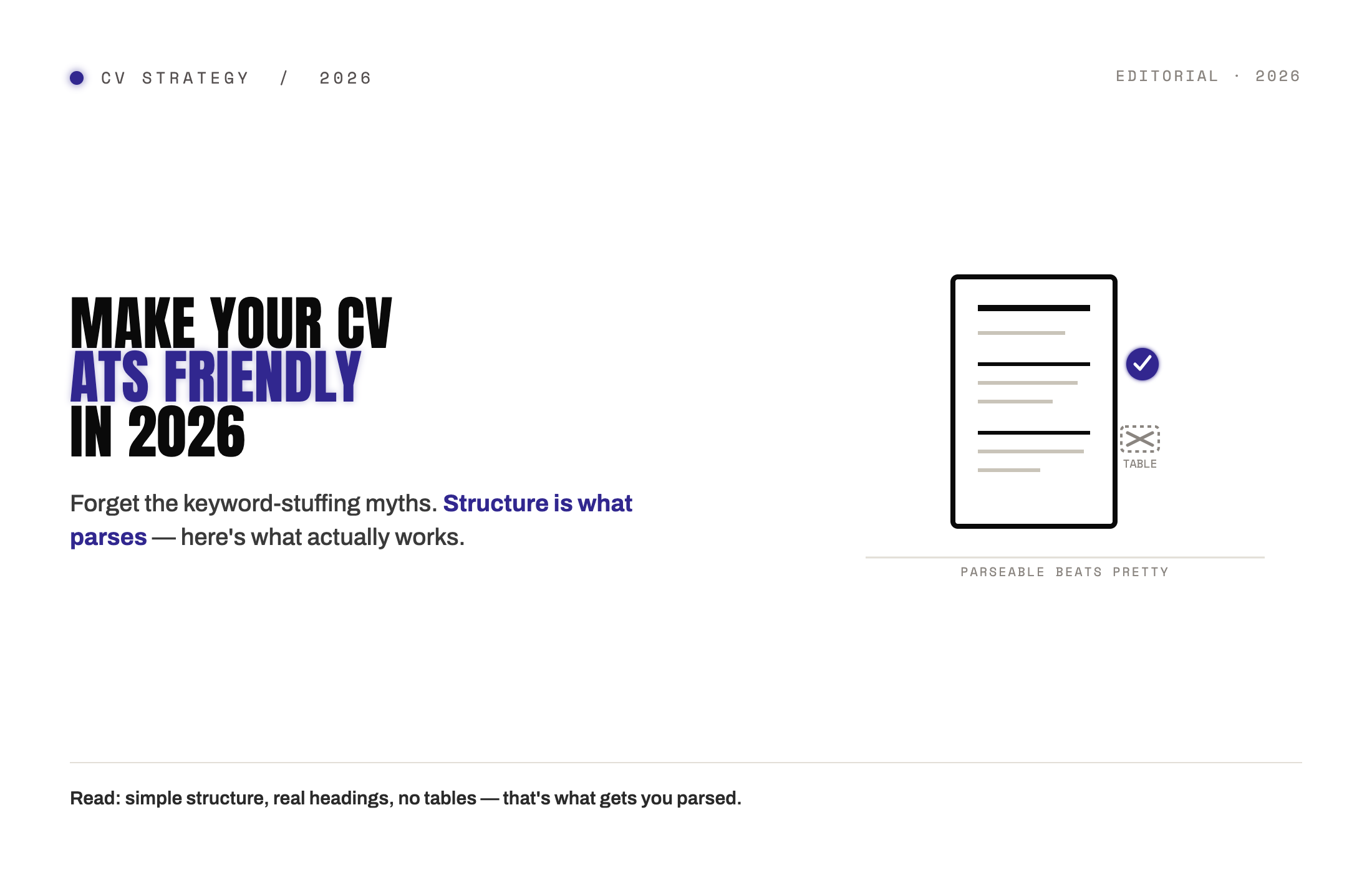
Tables used as layout tools cause parsing errors across multiple UK ATS platforms. The parser reads table cells in a sequence that does not match the visual layout, producing scrambled output. Skills can appear under the wrong job title. Dates can be separated from the roles they belong to. Plain paragraph text with standard bullet points is the safe replacement for any table-based layout.
Content placed inside a text box is typically invisible to ATS parsers. Icons used in place of text, the email icon followed by your email address, the location pin followed by your city, are also unreadable. The parser sees a blank space where a graphic was and skips to the next text element. If your CV was designed with icons, replace them with plain text labels. If it uses text boxes, convert the content to standard paragraphs.
Unusual fonts can cause character-level extraction errors where letters are misread or dropped entirely. Calibri, Arial, Helvetica, and Georgia parse cleanly across all major UK ATS platforms. Decorative or display fonts do not. Skill bars, visual representations of proficiency using filled circles or progress bars, convey no meaningful text to a parser and should be replaced with a plain list.
A PDF created by scanning a printed document is not a text file: it is an image. No ATS can extract text from a scanned PDF. The application arrives in the system as a blank document. Always export your CV as a text-based PDF directly from your word processor. If you are uncertain whether your PDF is text-based or image-based, copy the text from the PDF and paste it into a plain text editor. If the text pastes correctly, it is text-based. If nothing pastes, it is an image.
The plain text test catches all of these formatting failures at once. Copy your entire CV and paste it into a plain text editor such as Notepad on Windows or TextEdit in plain text mode on Mac. If the result is legible, in the right order, and contains all your content, your CV is passing the formatting test. If the result is scrambled, out of order, or missing content, you have a parsing failure to fix before anything else.
Fix Keyword Gaps Second: The Difference Between Being Parsed and Being Found
Once your CV is parsing correctly, the second requirement is relevance scoring. This is where most CVs fail even after the formatting is fixed, and it is the part of ATS optimisation that is more nuanced and more important for experienced professionals than for anyone earlier in their career.
ATS systems score your application by comparing the text in your CV against the text in the job description. The closer the match, in terminology, seniority language, sector-specific terms, and role title phrasing, the higher your score. The score determines where you rank in the recruiter's application list. Most mid-to-large UK employers configure their ATS to surface candidates above a specific threshold as qualified. CVs that score below the employer's threshold are typically filtered out automatically. The threshold varies by employer and role, but moving your score from a typical untailored starting point up to 75 or above is the practical target for most competitive roles.
The gap between where most CVs start and where they need to be is almost entirely a language gap, not an experience gap. Most candidates who are genuinely qualified for a role describe their experience using the terminology of their previous employers and sectors, which often differs from the terminology the new employer used in the job description. If the posting asks for "stakeholder management at board level" and your CV says "senior leadership engagement," the ATS does not credit you with that capability. You have the experience. The words do not match. This is a presentation gap, not a profile gap, and it is fixable.
The method for closing keyword gaps is precise. Read the job description and identify the specific terms the employer used to describe the requirements: the exact tools named, the precise qualifications stated, the specific competency language used. Then check your CV for each of those terms. Where the experience exists in your history but is described using different language, rewrite the relevant bullet or section using the employer's exact phrasing. You are not inventing experience. You are translating experience you already have into the vocabulary this employer uses to look for it.
Two things make this exercise different for experienced professionals. First, senior CVs tend to be longer, which dilutes keyword density: the ratio of relevant keywords to total word count is lower even when the experience is strong. Second, professionals with complex or cross-sector careers have often accumulated terminology from multiple previous employers and industries, none of which precisely matches the language of the new role. The keyword gap is structural rather than superficial, and closing it requires more deliberate rewriting than a simple scan of the job description.
The Section That Carries the Most ATS Weight: Your Professional Summary
Most articles on ATS-friendly CVs mention the professional summary as one of several sections where keywords should appear. What they do not explain is why the professional summary carries disproportionate weight in ATS scoring.
ATS systems extract and weight keywords differently depending on where they appear in the document. Keywords in the professional summary, which sits at the top of the CV and is typically the first substantial text the parser processes, carry more scoring weight than the same keywords appearing later in the body of the document. This is consistent with how most ATS platforms are configured: the summary section signals the candidate's professional identity and role target to the system, and the score assigned to that section influences the overall ranking more heavily than skills appearing in a bullet point midway through the experience section.
The practical implication is that your professional summary should be the last section you write when tailoring for a specific role, not the first. After you have identified the keyword gaps between the job description and your CV and made the relevant fixes in your experience section, rewrite your summary to include the most important keywords from the job description in your opening two or three sentences. The summary should state your target role title, your years of relevant experience, and two to four of the most important skills or competencies the employer named. Done correctly, this section alone can move your ATS score significantly, which is often the difference between ranking below the shortlisting threshold and above it.
What Score Are You Actually Trying to Hit?
This is the question most ATS guides never answer, and it is the most useful piece of information a job seeker can have. Knowing that ATS exists and that formatting matters does not tell you whether your fixes have worked. A score tells you.
Based on data from Candoorai's Deep Resume Intelligence analysis across UK job applications in 2025 and 2026, the median CV submitted without role-specific tailoring scores between 48 and 62 against the job description. The threshold that most UK mid-to-large employers configure as their shortlisting line sits at approximately 75. The gap between where most CVs start and where they need to be is the space where the majority of otherwise qualified candidates are losing their applications before any human reads them. It is also the space where the fixes described above operate: a formatting fix that recovers scrambled content and a keyword adjustment that closes the language gap between your CV and the job description will typically add between 15 and 25 points to an untailored score.
The only way to know your actual score against a specific role is to run the analysis before you submit. Candoorai's Deep Resume Intelligence module scores your CV against the specific role you paste in, shows you your keyword gap by category, identifies any remaining formatting failures, and tells you your updated score after each fix.
Check Your ATS Score Against Your Target Role Free
The ATS-Friendly CV Fix Checklist for UK Job Seekers in 2026
Before submitting any application to a UK employer, work through these fixes in this order.
Formatting fixes come first. Remove all multi-column layouts and replace with a single-column structure. Move all contact information, your name, phone, email, LinkedIn URL, and city, into the body of the document at the top of page one. Remove tables used for layout and replace with plain paragraph text and standard bullet points. Replace any icons, text boxes, or graphical skill representations with plain text. Ensure your CV is saved as a text-based PDF or Word document, not a scanned image. Confirm the plain text test produces legible, correctly ordered content.
Keyword fixes come second, once formatting is confirmed. Read the job description and extract the exact terms used for required skills, tools, qualifications, and competencies. Compare each against your CV. Where the experience exists, but the language differs, rewrite the relevant section using the employer's terminology. Do not repeat keywords artificially: place them where they belong in context and prove them with a specific achievement or outcome. Use British English spellings throughout: optimise, organise, programme, analyse.
The professional summary is fixed last. Rewrite your professional summary to include your target role title and two to four of the most important keywords from the job description in the opening sentences. State your years of relevant experience and the most important outcome or capability the employer is looking for. Keep it to three to five sentences. Do not use it to list personality traits or generic phrases such as "results-driven" or "proactive." These carry no ATS weight and consume space that keyword-rich content should occupy.
File and submission checks come before you send. If the employer's portal accepts both Word and PDF, submit .docx unless the portal specifies otherwise. Word documents parse more reliably across older ATS deployments common among UK public sector and legacy enterprise employers. If the portal specifies PDF, submit a text-based PDF exported from your word processor. Name your file professionally: FirstnameLastname-CV.docx or FirstnameLastname-CV.pdf.
Why Experienced Professionals Need to Tailor Every Application, Not Once
The fix described above needs to be applied to each application separately, not done once and submitted everywhere. This is the part most experienced professionals resist, because they have spent years building a strong CV and it feels counterintuitive to rewrite it for every role.
The logic is simple. Each job description uses different keywords. A CV that scores well against one role may score poorly against a similar role at a different company because the two employers describe the same requirements in different language. Submitting the same CV repeatedly is not persistence. It is applying the same document to different scoring systems and expecting a different result.
For experienced professionals, the tailoring investment is smaller than it sounds. The CV structure and most of the content stays consistent. What changes is the professional summary, the key skills section, and two to three bullet points in the most recent role that mirror the specific language of the job description. With a keyword gap report from Candoorai identifying exactly which terms are missing and where they belong, that tailoring process takes between ten and twenty minutes per application. The difference in response rate between a tailored CV and an untailored one justifies every minute of that investment.
CTA: Run Your Free ATS Analysis and Get Your Keyword Gap Report